







Thank you! Your submission has been received!
Oops! Something went wrong while submitting the form.
Use Slack, Microsoft Teams, or Google Chat to receive alerts and take action in a single thread. ChatOps lets your team manage incidents where they already collaborate.
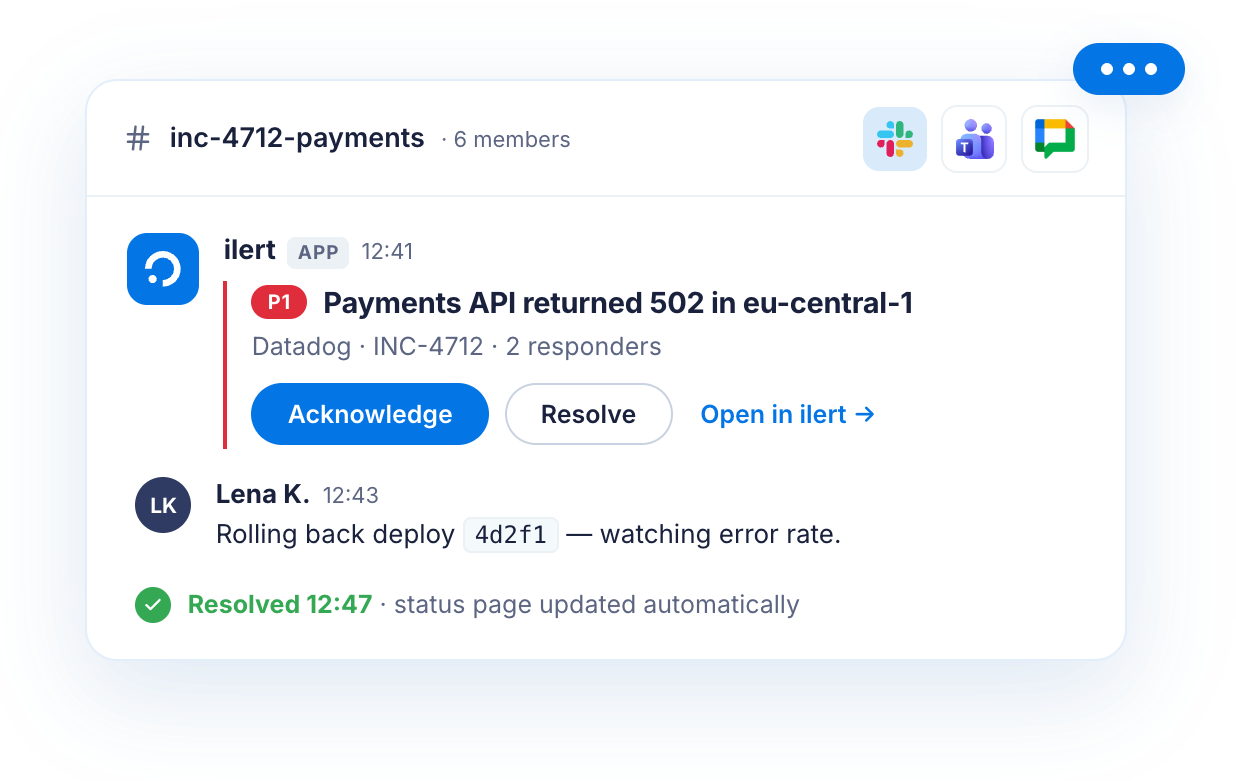
Create dedicated channels and video conferences for major incidents, coordinate response, communicate with stakeholders and update your status page without leaving your chat tool.
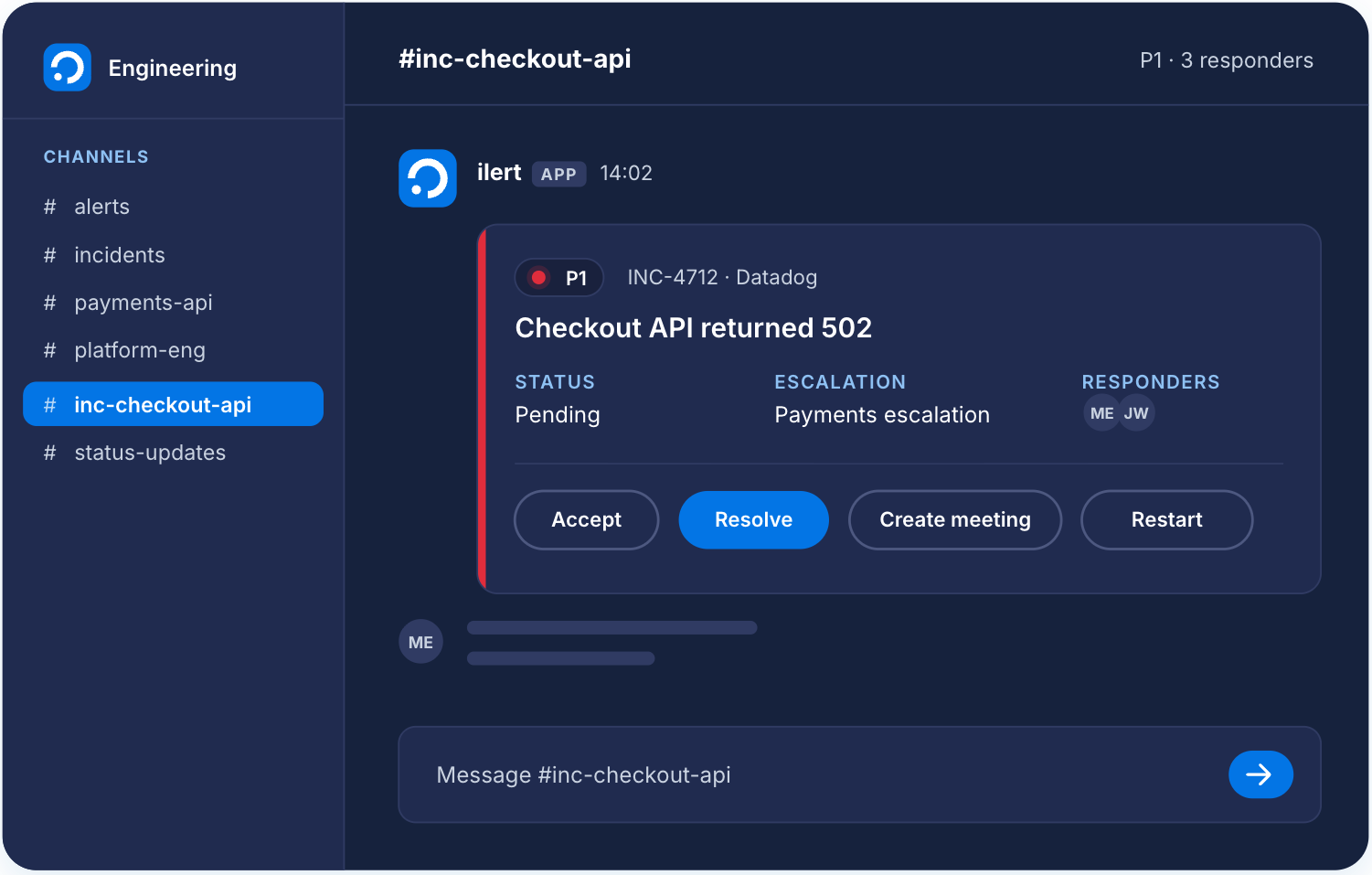


Ensure efficient team responses in the event of an incident with our real-time collaboration feature. Gather your team members in a shared chat room or video conference to discuss the issue, share findings and coordinate the response.


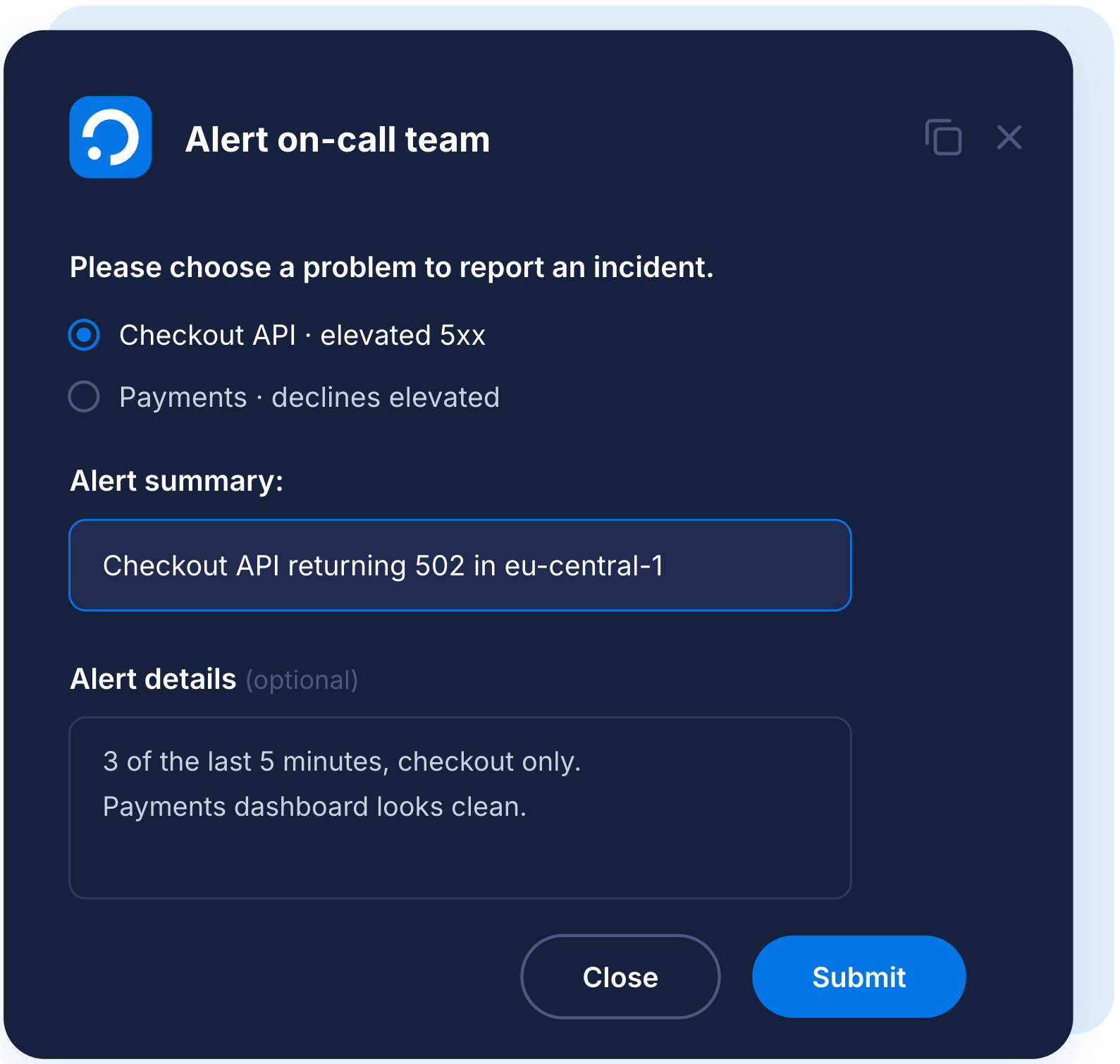
Let any user (even without an ilert account) report incidents from Slack, Microsoft Teams or Google Chat using pre-configured alert sources per channel. That way, any team has a controlled way to report issues regarding the services they provide in their team channel.
Paired with ilert ChatOps, ilert AI gathers context from your incident chat channels and alert timelines and turns it into a structured, actionable postmortem – automatically. No more manual documentation: your team gains time for what really matters – driving improvements and preventing future incidents.
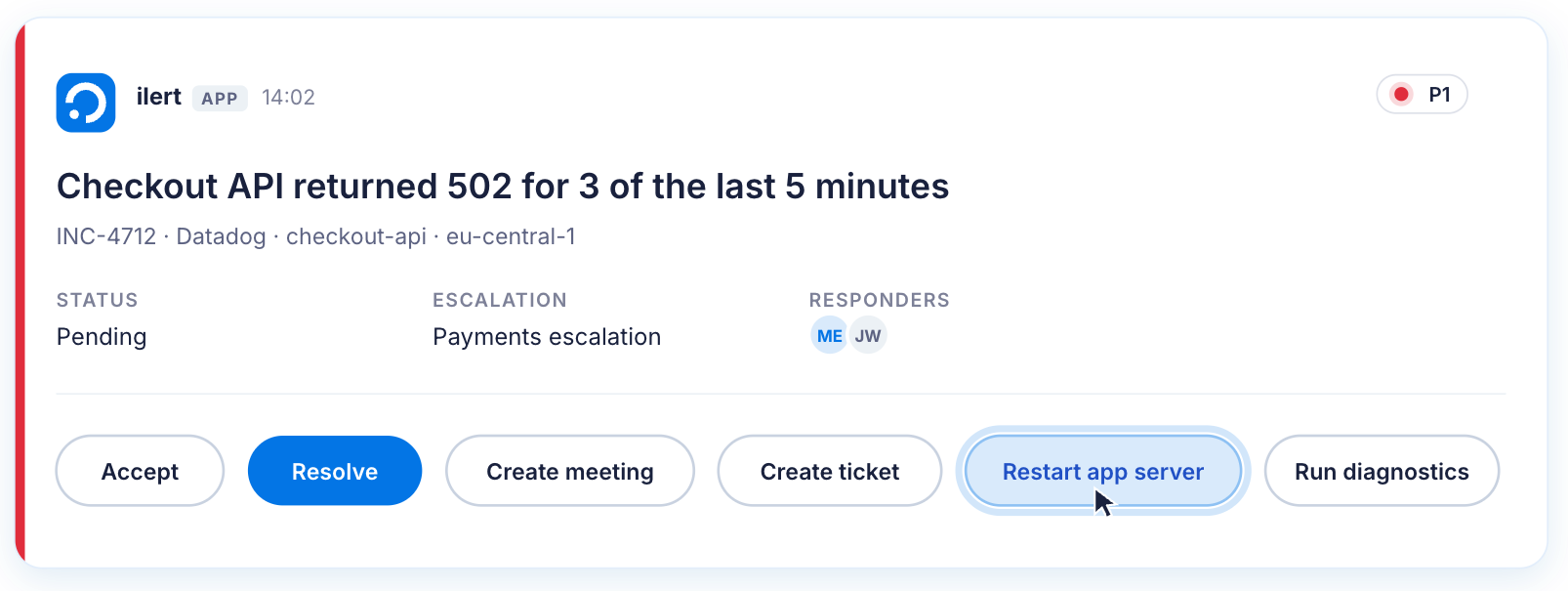
Execute alert actions directly from the chat interface. From reverting a commit to running diagnostic commands or manipulating infrastructure, reduce context switching and expedite incident resolution without ever leaving the chat interface.
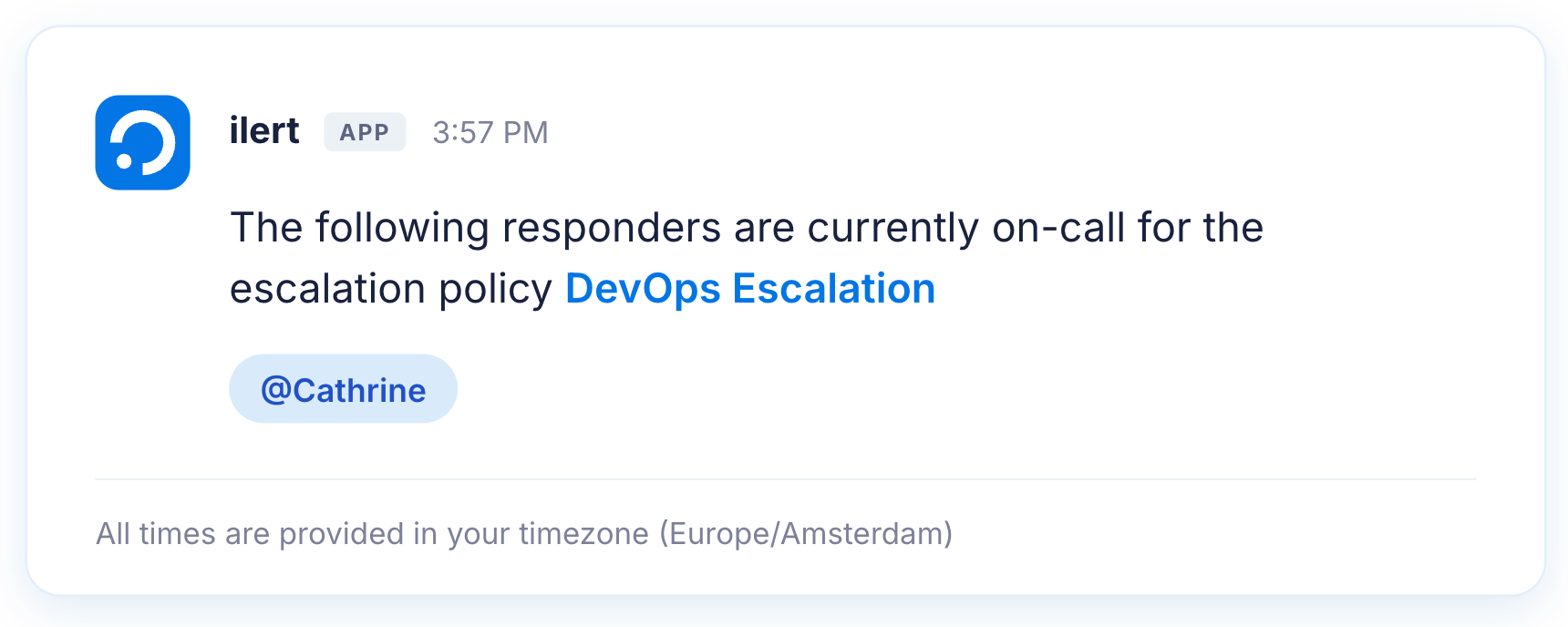
Use a simple command and look who is on call right in the chat. This feature can be used by users even without ilert account.
ChatOps for incident management brings incident response into your chat tools like Slack, Microsoft Teams or Google Chat. With ilert ChatOps, you can receive and acknowledge alerts, create alerts from chat, check who is on-call, and set up dedicated channels for major incidents–all without leaving chat.
You can let any team member report issues from your chat tool. When enabled, users can just post a message with simple slash-command in the channel, and ilert will create an alert and notify the right people.
ilert AI gathers context from your incident channel and alert details, then generates a structured, evidence-backed postmortem automatically.This removes manual effort and helps your team learn faster.
Use ilert’s simple on-call lookup command (e.g. /ilert-oncall) in any channel to see the current rotation and contact details. No login required. Anyone on the team can check who's responsible, any time.


